
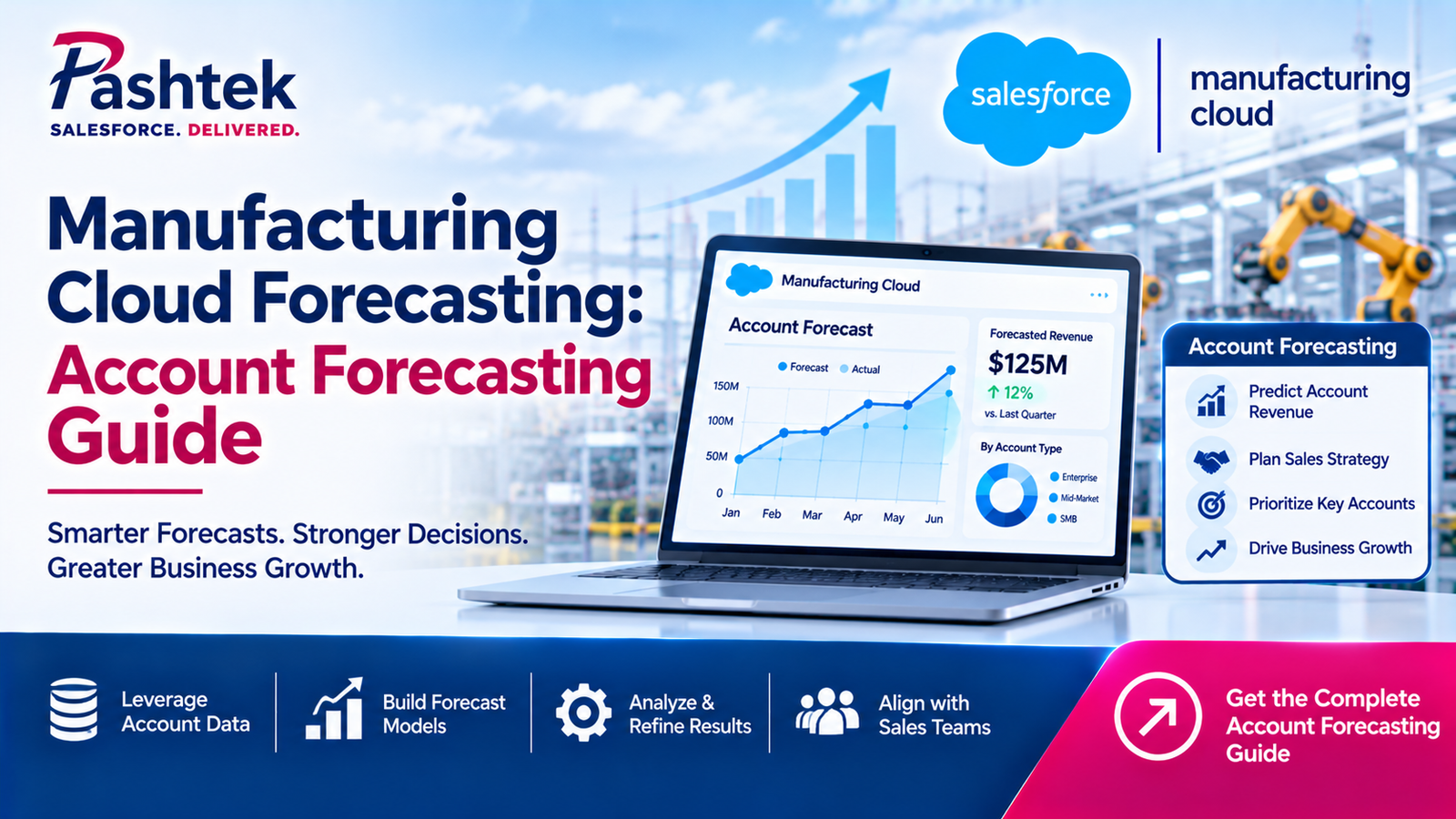
Manufacturing Cloud Forecasting: Account Forecasting Guide
Salesforce Manufacturing Cloud forecasting replaces the spreadsheet most sales teams use to guess next quarter’s repeat orders. Pashtek, a Salesforce consulting partner in Chandler, Arizona, sets it up for US manufacturers, and this guide explains how account forecasting works and what has to be in place first.
The short answer: Manufacturing Cloud builds an account forecast from the sales agreements you already have with a customer, then compares it with actual orders as they arrive. The forecast is only as good as two inputs: agreement data that sales keeps current, and order data that your ERP sends back.
What is account forecasting in Manufacturing Cloud?
Standard Salesforce forecasting rolls up open opportunities. That works for deals that close once. It works poorly for a manufacturer whose customers reorder against an annual contract, because the revenue is already agreed in principle and the real question is how much will ship, and when.
Account forecasting in Manufacturing Cloud starts from the agreement. Salesforce’s Trailhead module on sales agreements and forecasting describes building account forecasts from agreement terms, so a sales leader can see planned volume per account and product instead of a pipeline of opportunities. Check Trailhead for the current feature names, because Salesforce renames and bundles features between releases.
Sales agreements: the foundation
A sales agreement records what a customer has committed to buy over a period: products, quantities, prices and dates. In the Manufacturing Cloud data model it sits between the account and the orders that fulfill it. Salesforce explains the setup in its agreement terms module.
What the forecast needs from each agreement:
- A start and end date, so volume can be spread across periods
- Product lines and planned quantities
- Pricing terms, so planned revenue is not a guess
- A named owner who updates the agreement when terms change
If agreements are incomplete, the forecast inherits the gaps. Fixing agreement quality is the first job of any rollout, and it is a process problem before it is a software problem.
How the forecast gets built
- Agreements define planned volume and revenue by account and product.
- Actual orders arrive from your ERP and are compared with the plan.
- The gap between planned and actual shows which accounts are ahead or behind.
- Account managers adjust their expectations and add context.
- Sales leadership rolls the numbers up by team, region or product.
| Question | Standard opportunity forecast | Manufacturing Cloud account forecast |
|---|---|---|
| Starting point | Open opportunities | Active sales agreements |
| Best for | One-time and project sales | Repeat and contract business |
| Actuals compared to plan | Closed won amounts | Orders against agreement volume |
| Main data risk | Stale close dates | Stale agreements, missing ERP orders |
What to set up first
Clean the agreement data
Pick one definition of an agreement and one owner per account. Decide what counts as a change that must be recorded, such as a price revision or a volume reduction.
Connect the actuals
Planned versus actual needs order data. Most manufacturers feed it from SAP or another ERP, using MuleSoft or a SAP integration. Decide whether the sync is real-time or nightly, and who watches for failures.
Set account manager targets
Manufacturing Cloud includes targets for account managers, covered in a separate Trailhead module. Targets turn the forecast into something each person is measured against.
Build the views people use
An account manager wants one account at a time. A VP wants regions and product lines. Design both before go-live, and test with the questions people ask in real forecast calls.
Improving forecast accuracy: a practical checklist
- Agreements are updated within an agreed number of days of any change.
- Every active account has an owner who reviews its plan each month.
- Order data from the ERP is complete, and failed records are fixed within a day.
- Product hierarchies match between Salesforce and the ERP.
- Leaders review variance by account, not just the total.
- Someone owns the process after go-live, whether an internal admin or managed services.
We cannot give you a benchmark for how much accuracy improves, because it depends on your starting data. Measure your own forecast error for a few months before and after, and report that figure.
Want a second set of eyes on your forecast process? Pashtek can review your agreements and ERP feed in a free 30-minute call. Book a time.
Common mistakes
- Launching forecasting before agreements are clean
- Forecasting with no actual order feed
- Giving every user the same view
- Treating a forecast change as an admin ticket instead of a sales process decision
- Customizing heavily before testing the standard feature
For the full rollout sequence, see Pashtek’s guide to Manufacturing Cloud implementation.
Frequently asked questions
What is forecasting in Salesforce Manufacturing Cloud?
It builds forecasts for repeat-business accounts from sales agreements and compares them with actual orders, rather than rolling up open opportunities.
What is advanced account forecasting?
It is Salesforce’s account-level forecasting for Manufacturing Cloud. Feature names change between releases, so confirm the current name and edition requirements in Salesforce documentation or with Pashtek.
Do I need sales agreements to forecast?
Yes. The forecast is built from agreement data, so agreements must be accurate and current.
Does it connect to my ERP?
It needs actual order data to compare against plan. Pashtek builds SAP and MuleSoft integrations for this.
How long does setup take?
It depends on agreement quality and the ERP feed. Pashtek gives a timeline in a fixed-price proposal after a discovery workshop.
Can Pashtek help us after launch?
Yes, through month-to-month managed services for administration and enhancements.
Improve forecast accuracy with Pashtek
Pashtek is a Salesforce consulting partner in Chandler, Arizona, serving US manufacturers. Book a free 30-minute consultation or contact Pashtek to talk through your agreements, ERP and forecasting process.